No changes are necessary follow the instructions as they are written in your book
Take screen shots
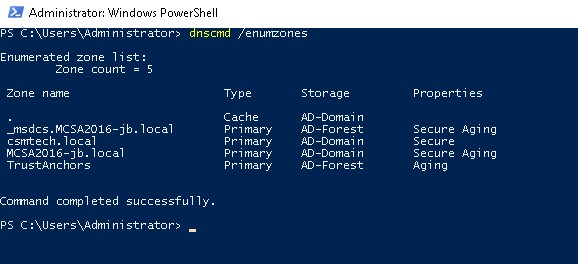
- Go to the ServerDC1 machine and open a PowerShell window if necessary
- Type the command dnscmd /enumzones
- Take a screen shot making sure that the command and all its output is shown, label it a3-1.jpg ( Example ) and upload it to the class web site
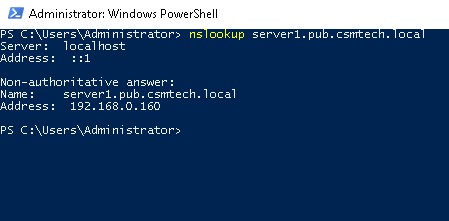
- Type the command nslookup server1.pub.csmtech.local
- Take a screen shot making sure that the command and all its output is shown, label it a3-2.jpg ( Example ) and upload it to the class web site
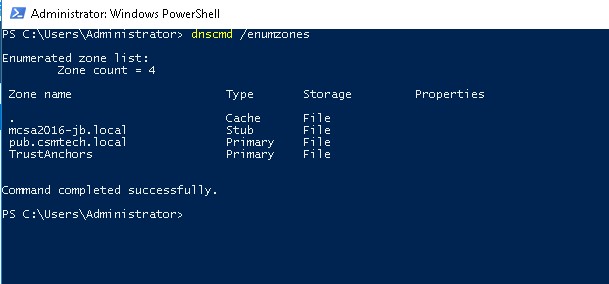
- Go to the ServerDM1 machine and open a PowerShell window if necessary
- Type the command dnscmd /enumzones
- Take a screen shot making sure that the command and all its output is shown, label it a3-3.jpg ( Example ) and upload it to the class web site
Previous Lab - Next Lab