- See this video
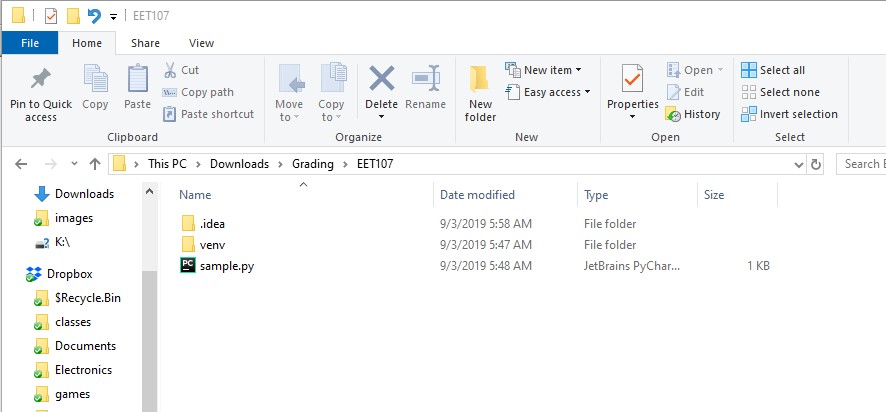
- Use File Explorer to open the folder containing the source code file
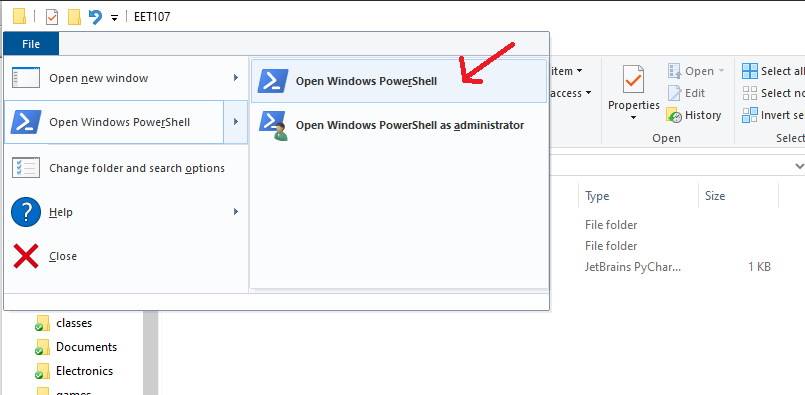
- Go to the File menu and choose the Open Windows PowerShell option
- Type python filename then press <ENTER>

- Add the following line to the end of your python program:
- input('Press any key to exit')

- Use File Explorer to open the folder containing the source code file
- Double click on the filename